
Top AI Tools for Web Developers in 2026 (Boost Coding Speed 10x)
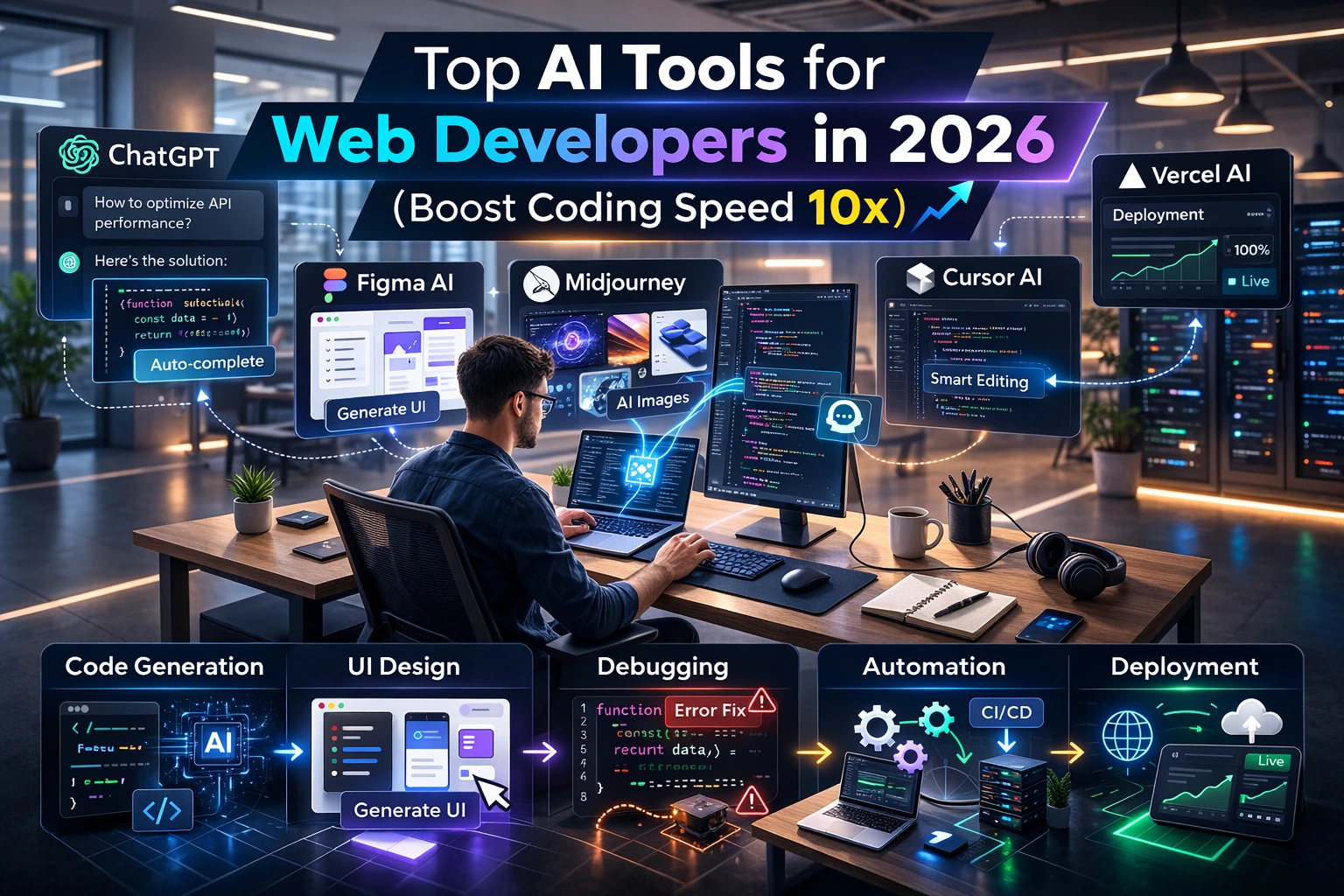
Web development in 2026 looks nothing like it did five years ago.
Deadlines are tighter. Clients expect faster delivery. Competition is global. And developers are expected to ship high-quality, scalable products in record time.
If you’re still coding everything manually, you’re already behind.
The good news?
AI tools for web developers are transforming how we build, debug, design, deploy, and scale web applications. From AI code generators to intelligent website builders, today’s tools can increase productivity by 5x to 10x — without compromising quality.
In this in-depth guide, you’ll discover:
- The best AI coding tools 2026
- How AI in web development is reshaping workflows
- Real use cases from freelancers and agencies
- A detailed comparison table
- Pros & cons for each tool
- How to choose the right AI tool for your stack
- Future trends in generative AI for developers
Let’s dive in.
Why AI is Changing Web Development in 2026
AI is no longer a “nice-to-have.”
It’s infrastructure.
In 2026, AI is embedded inside IDEs, design systems, DevOps pipelines, testing frameworks, and even hosting platforms.
Here’s what changed:
1. Code is Becoming a Conversation
Developers now describe functionality in natural language, and AI writes production-ready code.
Example:
“Create a responsive pricing page with three tiers and Stripe integration.”
Result: Full React + Tailwind component with Stripe checkout logic.
2. Faster MVP Launches
Startups in India and globally are launching SaaS products in weeks instead of months using AI website builders and AI code generators.
3. AI Handles Repetitive Tasks
- Boilerplate setup
- CRUD operations
- API integration
- Unit tests
- Documentation
Developers focus on architecture and logic — AI handles execution.
How AI Boosts Developer Productivity (Data-Driven Insight)
Recent industry studies show:
- Developers using AI coding assistants complete tasks 35–55% faster
- Bug detection improves by 30%
- Documentation time reduces by 50%
- Junior developers perform at near mid-level speed with AI support
How?
AI Productivity Multipliers:
- Instant Code Suggestions
- Automated Refactoring
- Smart Debugging
- Auto Documentation
- UI Generation from Prompts
- Test Case Creation
For freelancers and tech agencies, this means:
- More projects per month
- Higher profit margins
- Faster client delivery
- Competitive advantage
Now let’s explore the top AI tools for web developers in 2026.
Top 10 AI Tools for Web Developers in 2026
1. GitHub Copilot
Overview
The most widely used AI coding assistant integrated directly into VS Code and other IDEs.
Key Features
- Context-aware code suggestions
- Full function generation
- Multi-language support
- Inline documentation generation
- Unit test creation
Pricing
- Free trial available
- Paid plans (monthly subscription)
Best For
Frontend + Full stack developers
Pros
- Seamless IDE integration
- Excellent for JavaScript, Python, TypeScript
- Saves time on repetitive coding
Cons
- Can suggest outdated patterns
- Requires review for security
Real Use Case
A freelancer building a Next.js SaaS dashboard reduces development time from 3 weeks to 10 days.
2. ChatGPT
Overview
A powerful generative AI assistant used for debugging, architecture planning, and code generation.
Key Features
- Code explanations
- Error debugging
- Architecture suggestions
- SEO content generation
- API integration examples
Pricing
- Free tier available
- Pro subscription for advanced models
Best For
Beginners + Agencies
Pros
- Explains complex code clearly
- Great for brainstorming solutions
- Multi-purpose tool
Cons
- Needs precise prompting
- Not always context-aware without code input
Real Use Case
Agency owner generates full website structure and backend logic in hours instead of days.
3. Cursor
Overview
An AI-first code editor built specifically around AI workflows.
Key Features
- AI refactoring
- Codebase understanding
- Natural language commands
- Large project context
Pricing
- Free tier
- Paid pro plan
Best For
Advanced developers managing large codebases
Pros
- Deep codebase awareness
- Smart refactoring
- Great productivity
Cons
- Learning curve
- Requires strong prompt clarity
Real Use Case
Full stack dev migrates legacy React app to Next.js with AI-assisted refactoring.
4. Replit Ghostwriter
Overview
AI coding assistant integrated into Replit’s browser IDE.
Key Features
- Code generation
- Debugging suggestions
- Instant deployment
Pricing
- Included in paid Replit plans
Best For
Students + Beginners
Pros
- No setup required
- Beginner friendly
- Browser-based
Cons
- Limited advanced features
- Performance depends on internet
Real Use Case
Student builds portfolio website in one weekend.
5. Wix ADI
Overview
AI website builder that creates complete websites from user input.
Key Features
- Automatic layout generation
- Built-in SEO tools
- Drag-and-drop customization
Pricing
- Free with branding
- Paid premium plans
Best For
Freelancers building client websites quickly
Pros
- Fast website launch
- No coding required
- Good for small businesses
Cons
- Limited customization
- Not ideal for complex apps
Real Use Case
Freelancer delivers 5 small business websites in one month.
6. Framer AI
Overview
AI-powered design-to-website platform.
Key Features
- Convert text to live website
- Responsive design
- Clean code export
Best For
Frontend designers
Pros
- Beautiful UI
- Fast landing pages
- Modern design system
Cons
- Not backend focused
- Subscription-based
7. Tabnine
Overview
AI code completion tool focused on privacy and enterprise use.
Key Features
- Local model support
- Team training
- Secure suggestions
Best For
Enterprise teams
Pros
- Privacy focused
- Custom AI training
Cons
- Slightly less creative suggestions
8. Builder.io
Overview
Visual CMS powered by AI.
Best For
Agencies managing multiple clients
9. Vercel v0
Overview
AI UI generator for React + Tailwind components.
Best For
Frontend React developers
10. Amazon CodeWhisperer
Overview
AI coding assistant optimized for AWS cloud development.
Best For
Backend + Cloud developers
Comparison Table (2026)
| Tool | Type | Free Plan | Best For | Speed Boost |
|---|---|---|---|---|
| GitHub Copilot | Code Assistant | Trial | Full Stack | 8x |
| ChatGPT | AI Assistant | Yes | All Devs | 7x |
| Cursor | AI Editor | Yes | Advanced Devs | 9x |
| Wix ADI | AI Website Builder | Yes | Freelancers | 5x |
| CodeWhisperer | Cloud AI | Yes | AWS Devs | 7x |
How to Choose the Right AI Tool
If you’re a Beginner:
Start with ChatGPT + Replit.
If you’re a Freelancer:
Use Copilot + Wix ADI for speed.
If you’re a Tech Agency Owner:
Combine:
- Cursor (codebase refactor)
- Builder.io (CMS)
- Copilot (development)
If you’re Cloud-Focused:
Use Amazon CodeWhisperer.
Free vs Paid AI Tools (What’s Worth It?)
Free tools are great for:
- Learning
- Testing workflows
- Side projects
Paid tools are worth it if:
- You bill clients
- You want speed advantage
- You run an agency
- You build SaaS products
Investment in AI = ROI multiplier.
Future of AI in Web Development (Beyond 2026)
AI is moving toward:
- Autonomous bug fixing
- Full-stack app generation from idea
- AI project managers
- Real-time UX optimization
- AI security monitoring
Generative AI for developers will become standard, not optional.
The question isn’t:
“Should I use AI?”
It’s:
“How fast can I integrate AI into my workflow?”
FAQs
What are the best AI tools for web developers in 2026?
GitHub Copilot, ChatGPT, Cursor, CodeWhisperer, and Wix ADI are among the best AI coding tools in 2026.
How does AI help in web development?
AI speeds up coding, debugging, testing, UI generation, and documentation.
Are AI code generators reliable?
Yes, but always review and optimize generated code.
Can beginners use AI tools?
Absolutely. AI reduces learning curve and explains code in simple language.
Are AI website builders good for agencies?
Yes, especially for landing pages and small business sites.
Will AI replace web developers?
No. AI enhances developers — it doesn’t replace creativity and architecture thinking.
Conclusion
AI tools for web developers are not hype.
They are leverage.
If you want to:
- Build faster
- Earn more
- Scale your agency
- Launch SaaS products quicker
- Compete globally
You must adopt AI in web development today.
Start small.
Test 2–3 tools this week.
Measure time saved.
Then scale your AI workflow.
The developers who adapt in 2026 will dominate the next decade.
Are you ready to build 10x faster? 🚀